
How to Get Your Construction Crew to Actually Use New Tools?
How to Get Your Construction Crew to Actually Use New Tools?
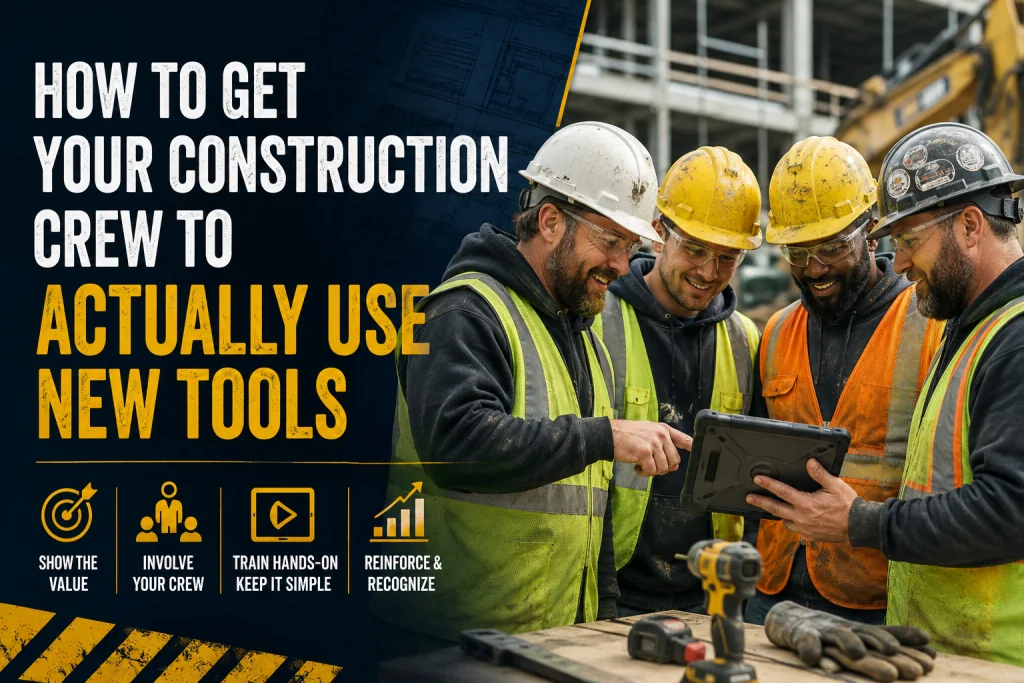
You’ve done the research, secured the budget, and purchased what you believe is the perfect new tool for your construction business. Maybe it’s a new project management software, a fleet of rugged tablets, or advanced layout technology.
You roll it out on Monday morning, expecting a surge in productivity. But by Friday, you walk the site and see the exact same thing you saw last month: your crew is using clipboards, relying on "the old way," and the new tools are sitting in a truck cab or a site trailer.
Sound familiar?
In the construction industry, buying new technology is the easy part. Getting your crew to actually adopt and use it is where the real battle lies. To solve this, we have to stop looking at the technology and start looking at the people. Here is a deep dive into the adoption challenges your crew faces and a blueprint for successful implementation.
Part 1: Understanding the Adoption & Implementation Challenges
Before you can fix the problem, you need to understand why your crew is resisting. It is rarely out of sheer stubbornness. Usually, it boils down to a few core friction points:
1. The "Field vs. Office" Disconnect
Often, technology is selected by the office based on high-level reporting needs, without considering the realities of the field. If a new app requires too many clicks, has a clunky user interface, or doesn't work well in direct sunlight or with dirty gloves, the crew will abandon it immediately.
2. Disruption of Muscle Memory
Construction is an industry built on rhythm and routine. Your veterans have spent decades perfecting their workflows. When you introduce a new tool, you are asking them to break their muscle memory. This inevitably causes a temporary drop in productivity, which causes frustration and breeds resistance.
3. The "Big Brother" Fear
Many field workers view new technology—especially GPS, telematics, or time-tracking apps—as a micromanagement tool. If they feel the technology is being used to spy on them rather than help them, they will find workarounds or use it maliciously.
4. The "One-and-Done" Training Trap
Handing a crew member a new device with a 15-minute walkthrough or a link to a video tutorial is not training. If they get stuck in the field and can't figure out how to submit a daily log or request an RFI, they will revert to their old methods to avoid looking incompetent or slowing down the job.
Part 2: How to Drive Actual Adoption on the Jobsite
Overcoming these challenges requires a shift in leadership. You must transition from being a "tech dictator" to a "change manager." Here is how to get your crew to embrace the new tools.
1. Involve the Crew in the Selection Process
Don’t buy tools in a vacuum. Before making a purchase, bring a few respected foremen and field veterans into the conversation. Let them test the demo. If they point out a fatal flaw in the workflow, listen to them. When the crew has a voice in choosing the tool, they feel a sense of ownership over it.
2. Identify and Empower "Tech Champions"
Find the one or two people on your crew who are naturally early adopters. Make them your "Tech Champions." Train them extensively and let them be the ones to introduce the tool to the rest of the crew. Peer-to-peer training is infinitely more effective than top-down mandates. If the most respected guy on the crew says, "This new layout tool saves us an hour a day," the rest will listen.
3. Sell the "WIIFM" (What’s In It For Me?)
Stop talking to your crew about how the new software will "increase company ROI" or "streamline executive reporting." They don't care. You need to sell them on how it makes their day better.
- “This new time-tracking app means you don’t have to stay 20 minutes late on Friday to fill out paper timesheets.”
- “This new digital blueprint tool means you won’t have to hike back to the trailer to check if a revision was made.” Focus on the immediate, personal benefits to the user.
4. Implement Phased, Bite-Sized Rollouts
Do not change everything at once. If you are rolling out new construction management software, start with just one feature—like daily reporting or punch lists. Master that, celebrate the small wins, and then roll out the next feature. Allow for a "learning curve grace period" where productivity might dip slightly, and reassure the crew that this is expected.
5. Provide Contextual, Hands-On Training
Ditch the classroom seminars. Train your crew on the jobsite, in the environment where they will actually use the tool.
- Hold a 10-minute "tailgate talk" focused solely on the new tool.
- Have them physically use the device while you watch and correct.
- Create quick-reference cheat sheets (laminated, if necessary) that they can keep in their trucks or tool belts.
6. Create a Blame-Free Feedback Loop
When a crew member says, "This tool is stupid, it keeps crashing," don't get defensive. Say, "Show me." Watch them use it. Identify if it’s a user error, a Wi-Fi dead zone issue, or a genuine software bug. If the tool is genuinely failing them in the field, have the courage to tell the vendor or change the tool. Showing your crew that you will listen to their feedback builds immense trust.
Technology in construction is a powerful lever for increasing margins, improving safety, and delivering better projects. But a tool is only as good as the hands wielding it.
Getting your construction crew to use new tools isn't about forcing compliance; it’s about fostering adoption. By understanding their friction points, involving them in the process, and focusing on how the technology makes their specific jobs easier, you will transform your crew from reluctant users into enthusiastic advocates.
Found this article valuable?
Share it with fellow builders, architects, or download the QR code.
Written by Shanmugam2026
Verified CreatorARQONZ Editorial Team brings you expert insights, construction guides, and architectural design trends from across the building industry.
Related Articles in Construction

What Should I Never Say to My Contractor?